NEW TradeLyser for iPhone and Android

TradeLyser trading journal app for iPhone and Android: Your journal goes where you go.

The same accounts, trades, journal and reports as the web, kept in sync with your broker and ready on your phone.

QR code to download the TradeLyser app
Scan to downloadWe'll open the right store

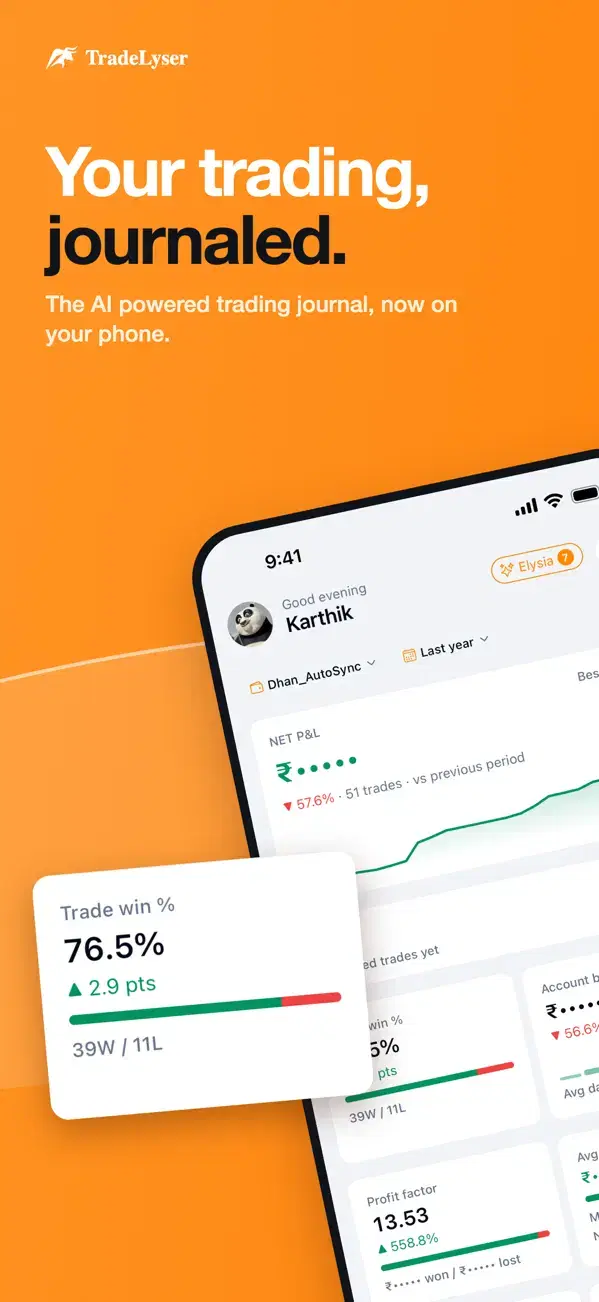
TradeLyser app home screen
Synced from your brokerTrades up to date
✦
Lysa CoachYour costliest mistake, found
◷
Start My DayPlan · Checklist · Review

Your broker's trades, synced to your phone

zerodhaupstoxangelonedhanfyersgroww5paisakotakicici-directhdfc-securitiesmotilalpaytm-moneyalicebluefinvasiazebu
Every screen

Eight screens. One journal.

Your P&L, trades, risk, playbook, plan, journal and Elysia, all in the app.
Your trading, journaled: The TradeLyser home screen
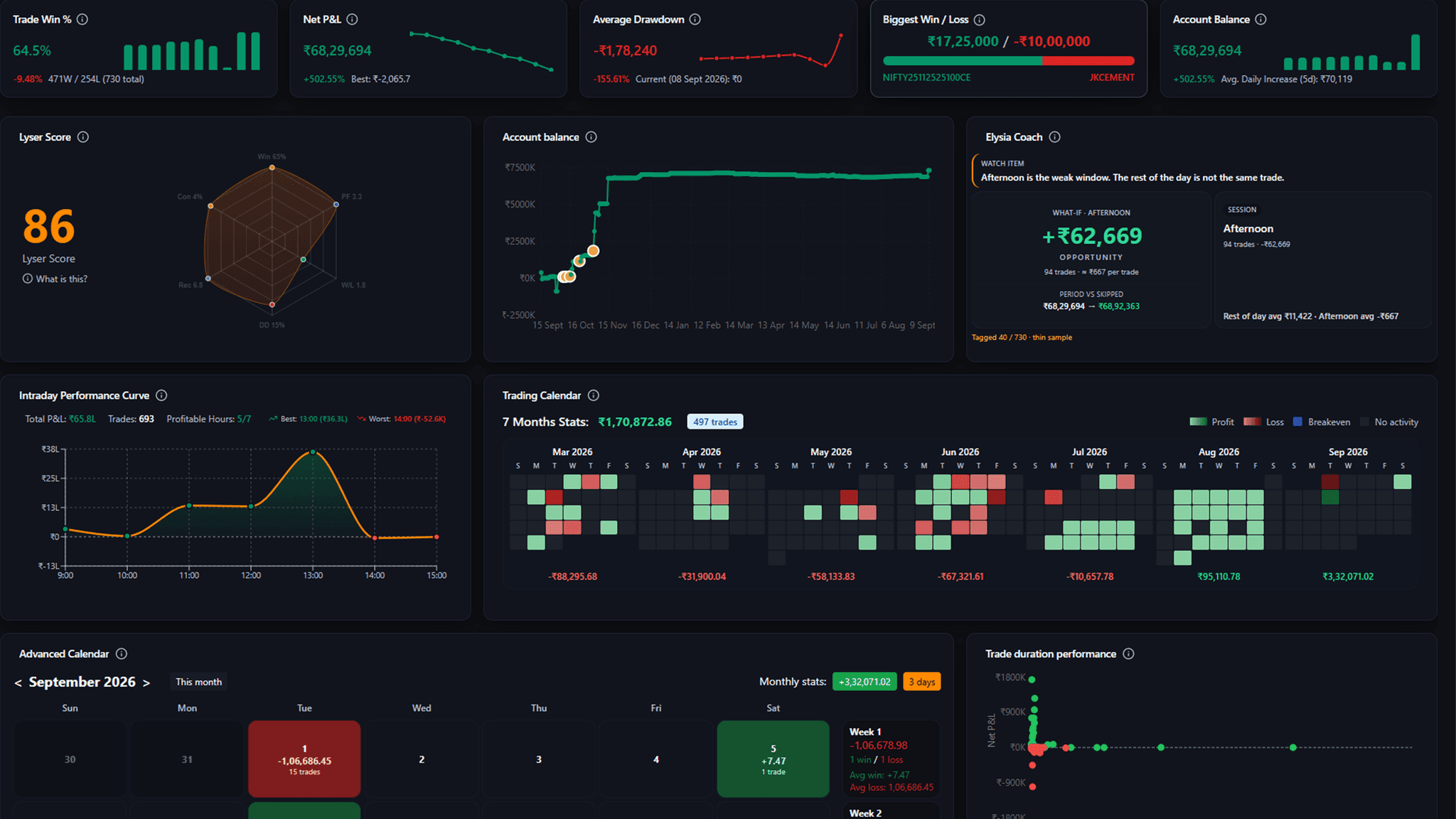
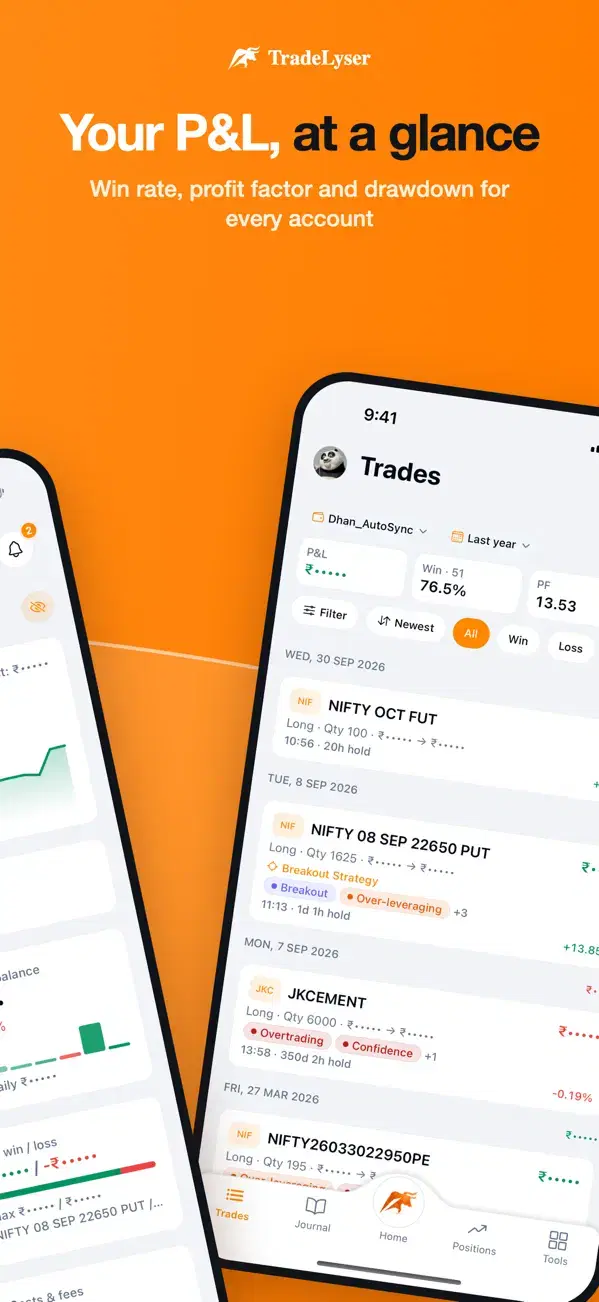
Your P&L, at a glance: Win rate, profit factor and drawdown for every account
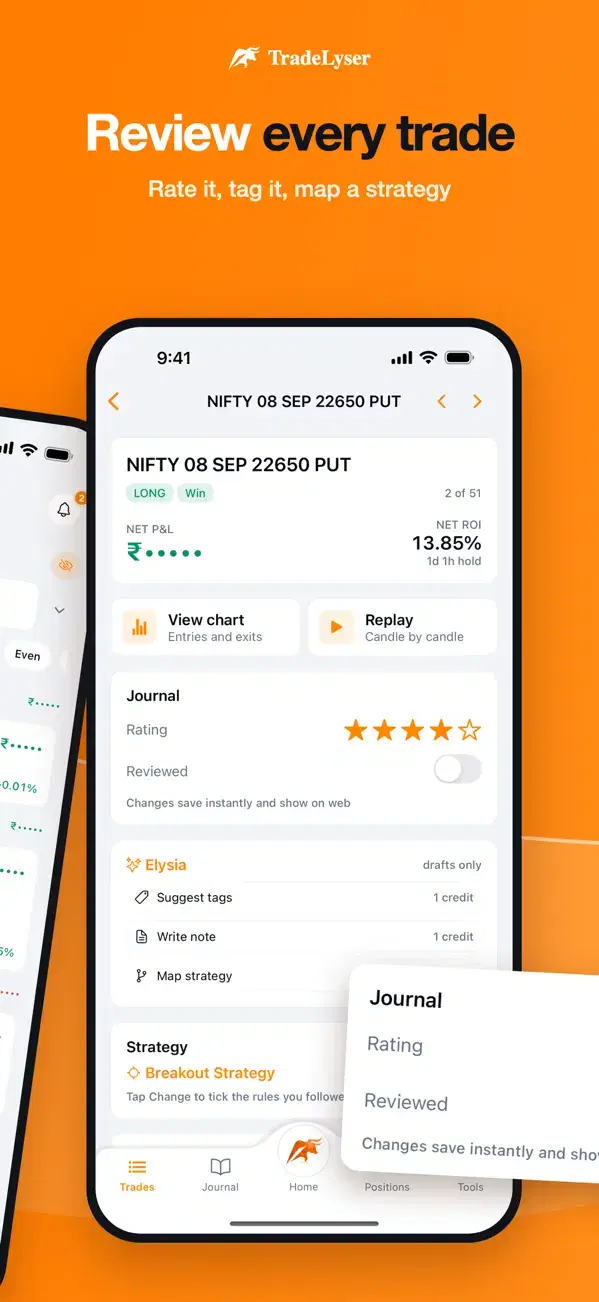
Review every trade: Rate it, tag it, map a strategy
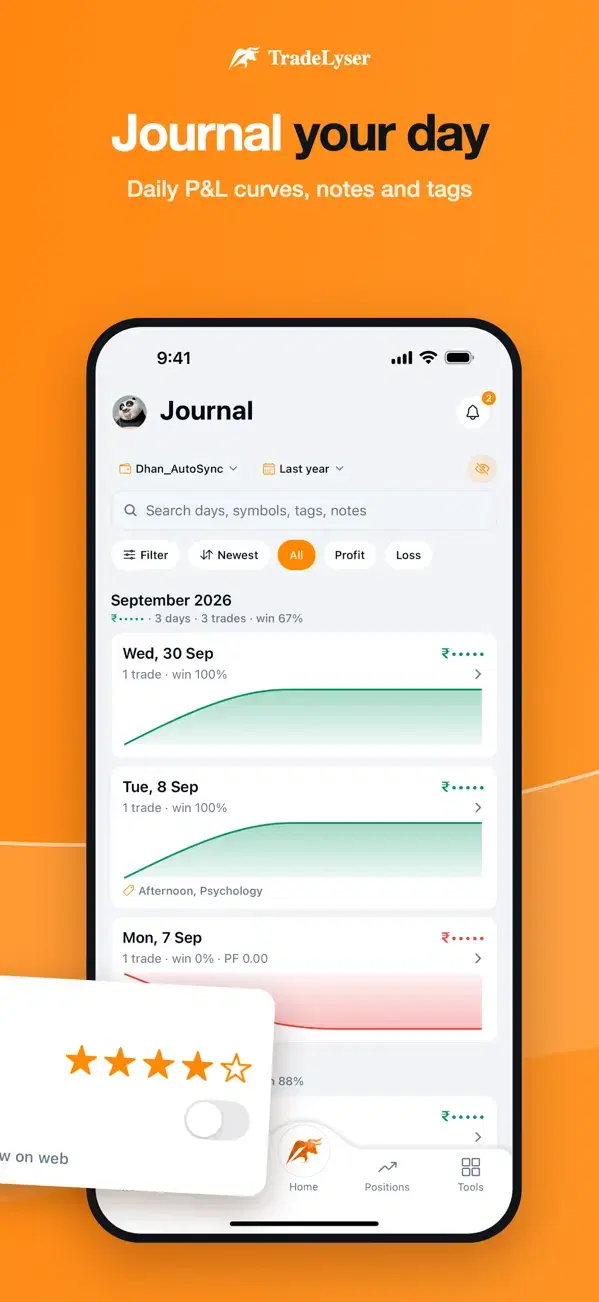
Journal your day: Daily P&L curve, notes and tags
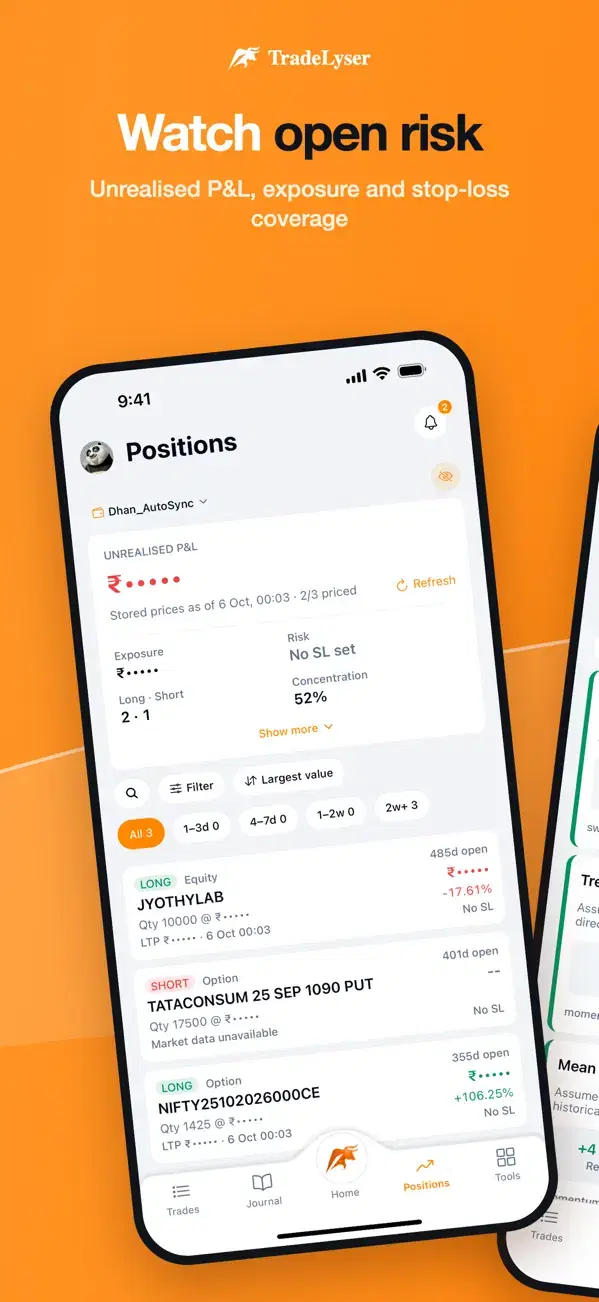
Watch open risk: Unrealised P&L, exposure and stop-loss coverage
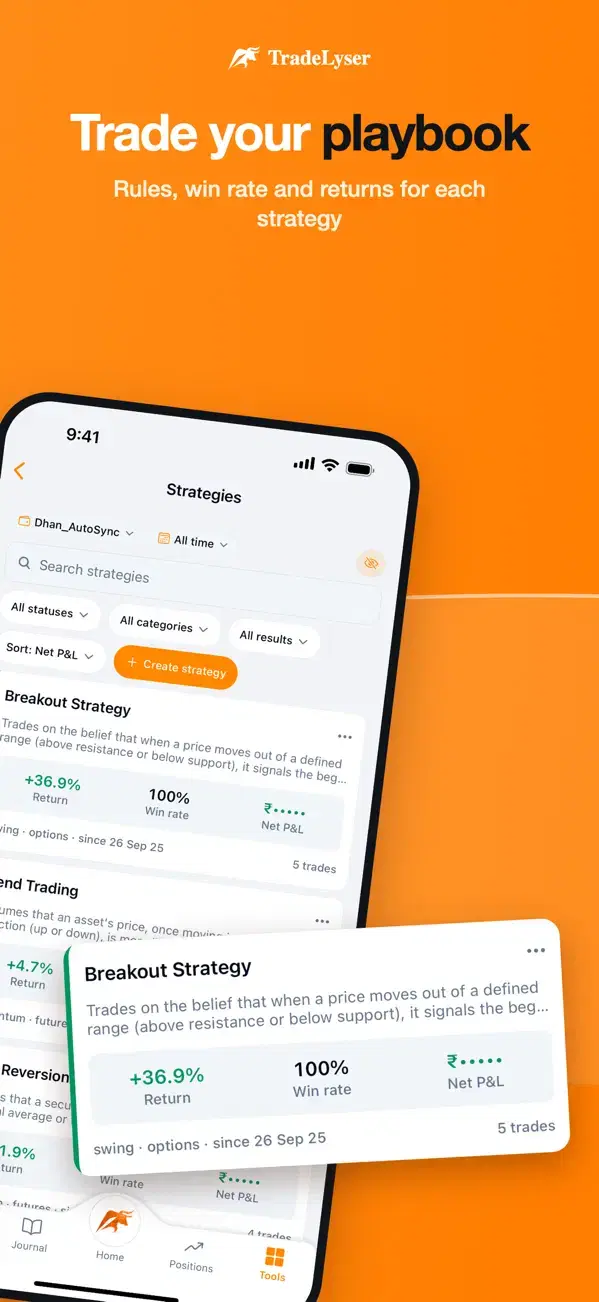
Trade your playbook: Rules, win rate and returns for each strategy
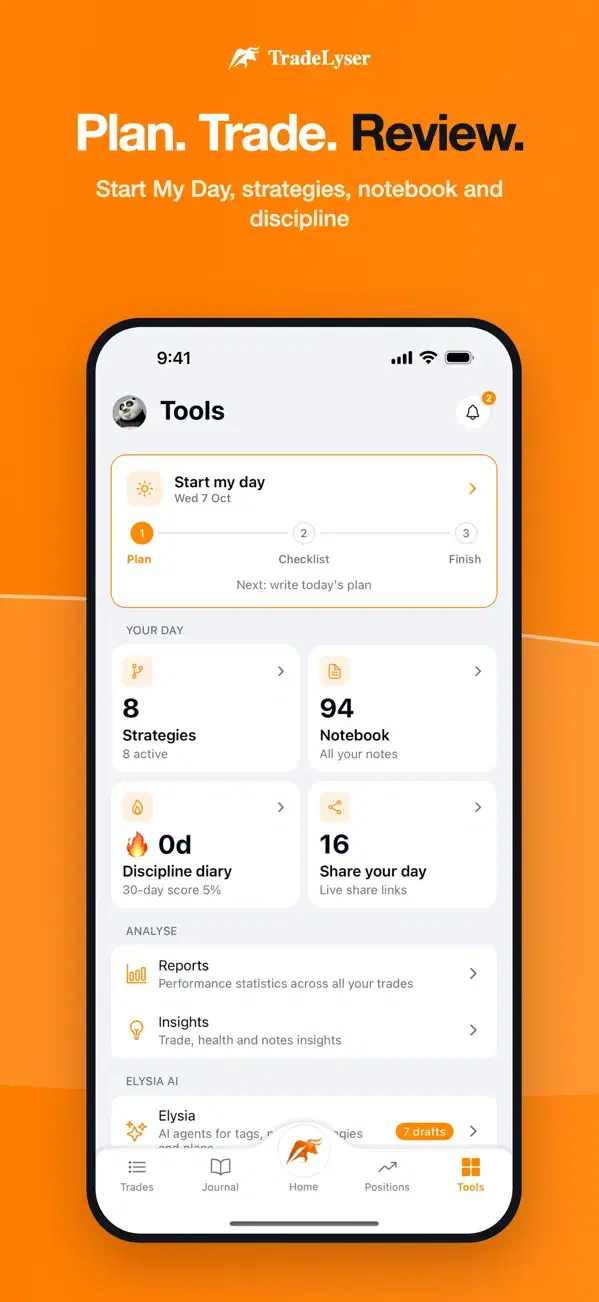
Plan. Trade. Review.: Start My Day, strategies, notebook and discipline
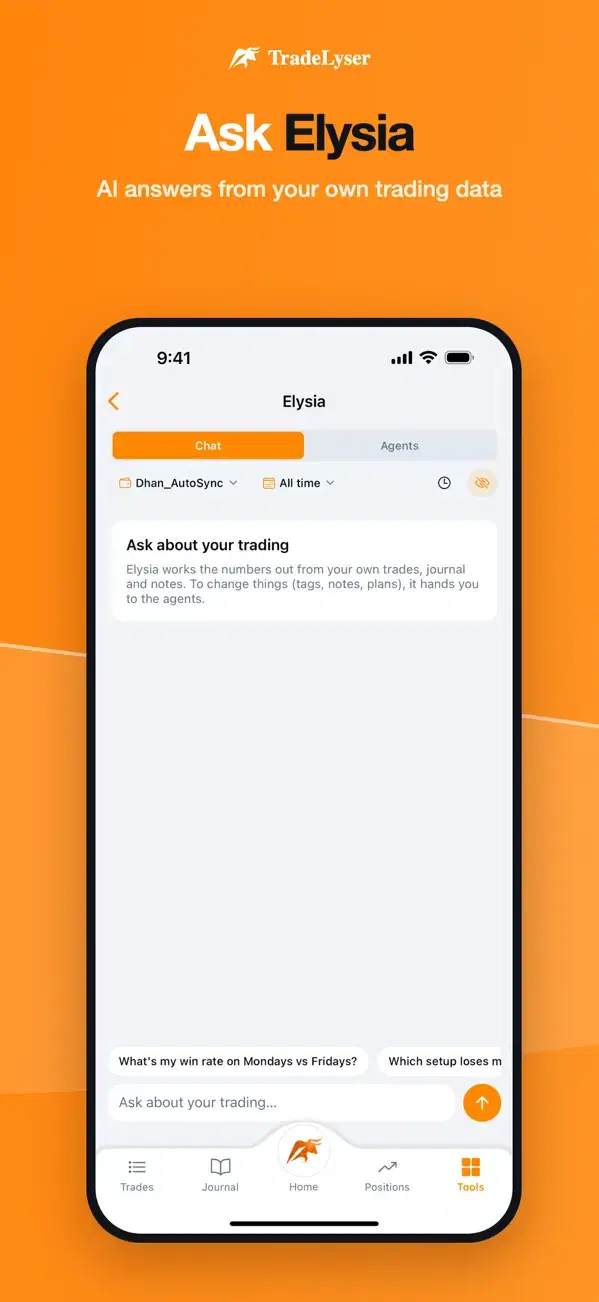
Ask Elysia: AI answers from your own trading data

Hover to pause

A day with the app

From the opening bell to Sunday's review

Scroll through a trading day. The phone follows along.

8:45 AM · Before the open

Start My Day

Write your plan, tick your checklist, and see your strategies, notebook and discipline in one place.

  • Daily plan and pre-market checklist
  • Discipline diary: rule streak and 30-day score
  • Market-holiday alerts
Plan. Trade. Review. screen
9:15 AM · Market open

Watch your open risk

Open positions with unrealised P&L, risk and stop-loss coverage, so nothing runs unchecked.

  • Unrealised P&L per position
  • Stop-loss coverage at a glance
  • Set stop loss and targets
Watch open risk screen
Anytime · At a glance

Your P&L, the moment you look

Net P&L, today's P&L, win rate, profit factor and drawdown for any account and date range.

  • Trading calendar and yearly P&L heatmap
  • Lysa Coach: the mistake that costs you most
  • Every account, every date range
Your P&L, at a glance screen
3:30 PM · After the close

Review every trade

Entries, exits, fees and R-multiples, with fast TradingView charts and candle-by-candle replay.

  • Rate trades and tag setups and mistakes
  • Map a strategy to each trade
  • Add notes and screenshots
Review every trade screen
Evening · Journal

Journal your day

Your daily P&L curve with tags, notes and photos, and a notebook that keeps every note in one place.

  • Daily journal with P&L curve
  • Finish My Day review
  • Notebook for trade, journal and strategy notes
Journal your day screen
Weekend · Playbook

Trade your playbook

Rules, win rate and returns for each strategy, with comparison and coaching reports for the week ahead.

  • Statistics per strategy
  • Compare strategies side by side
  • Weekly coaching brief
Trade your playbook screen
One journal, two screens

Set up on the web. Live it on your phone.

Your broker connection lives on the website; everything it syncs shows up in the app.

  • Connect brokers and import tradesWebsite
  • P&L, stats, calendar and reportsWeb + app
  • Journal, tag, rate and replay tradesWeb + app
  • Start My Day and discipline diaryWeb + app
  • Ask Elysia and coaching briefsWeb + app
Elysia AI

Ask in plain words. Get answers from your data.

ElysiaUses your trades, journal and notes
Which setup loses me the most?Summarise my weekDraft today's plan
Illustration of the chat. Elysia starts only after you allow AI features.
Built for your phone

Small details that matter on the go

Works offline

Your last synced data stays readable with no signal.

Locked to you

Optional face or fingerprint unlock keeps your trading private.

Reminders that keep your routine

Start My Day, Finish My Day and your weekly review, plus sync and report alerts.

Share a verified day

As a card and link, P&L hidden unless you choose.

AI on your terms

Elysia starts only after you allow it, and you can turn it off any time.

Light and dark themes

Pick the look that suits the screen and the hour.

P&LToday and any rangeCalendarYearly heatmapReplayCandle by candleChartsTradingViewTagsSetups and mistakesR-multiplesOn every tradeStopsCoverage at a glanceStrategiesRules and stats
JournalNotes and photosDiscipline30-day scoreRemindersStart and finish my dayMarketsPre and post marketHolidaysNSE and BSE calendarShareVerified daysThemesLight and dark
Get the app

Take TradeLyser everywhere

Sign in with your TradeLyser account. Your brokers, trades and journal are already there.

QR code to download the TradeLyser appPoint your phone's camera here
FAQ

Questions about the app

Do I need a TradeLyser account?

Yes. Sign in with your existing account to see the same accounts, trades, journal and reports as on the web.

Can I connect my broker in the app?

Broker connections and imports are managed on the TradeLyser website. Once connected, your trades sync to the app automatically.

Does the app place trades?

No. TradeLyser is a journaling and analytics tool: it doesn't place trades, and nothing in the app is investment advice.

Does it work without internet?

Yes, with your last synced data.

When does Elysia AI see my data?

AI features only start after you allow them, and you can turn them off any time.